Diagnostic guide
Key Fob Battery Seems Dead: What to Check First
No response, weak range, or a fob that seems completely dead.
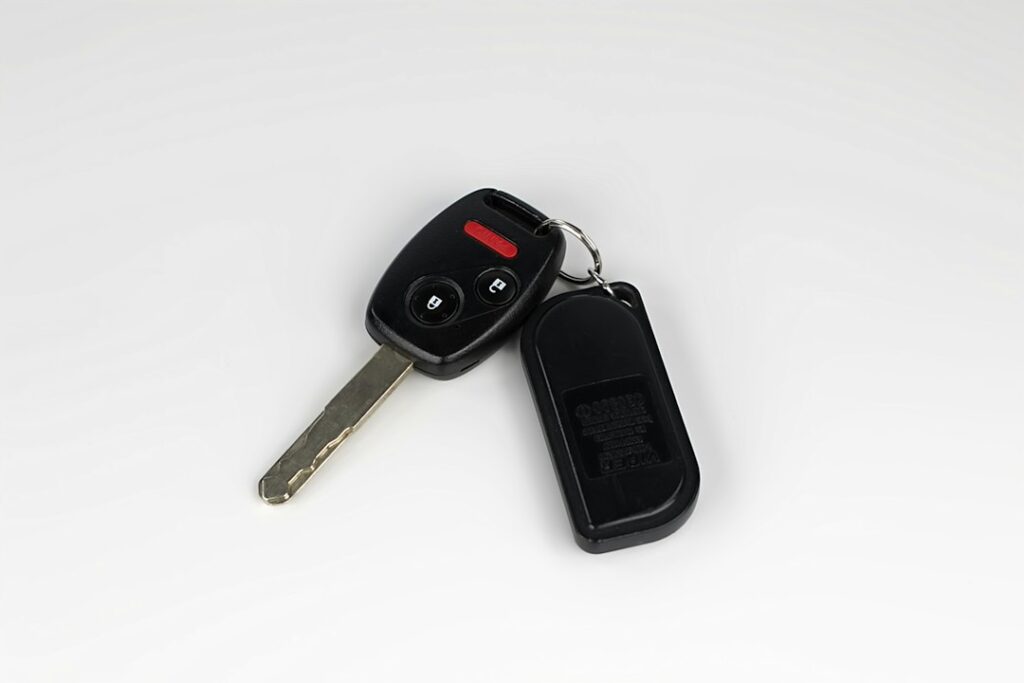
Photo: Barry A / Unsplash
Start here
Compare with a working spare and confirm the correct battery before buying a replacement fob.
Our method
- Check the simplest cause.
- Compare a working spare when possible.
- Verify before ordering a replacement.
If your key fob suddenly stops responding, start with the cheapest and least invasive checks before replacing the entire fob.
First checks
- Try your spare key, if you have one.
- Move close to the vehicle and try the lock/unlock buttons again.
- Check whether the physical emergency key still operates the door lock, if your fob includes one.
- Confirm the replacement battery type from your owner’s manual, the old battery marking, or a reliable parts reference before buying one.
After replacing the battery
Make sure the battery is installed in the correct orientation and that the contacts are not bent or contaminated. Some vehicles may require a resynchronization procedure after battery replacement; others do not.
When to stop troubleshooting
If a known-good spare works normally but the problem fob does not, the fault is more likely inside that fob. If neither key works, the issue may involve the vehicle rather than both keys failing at once.
Do not buy a replacement solely from appearance. Frequency, transponder, FCC/part identifiers, programming method, and vehicle equipment can matter.